 Careers
 Poslovi
Why the least exciting screen in the software might be the most important one
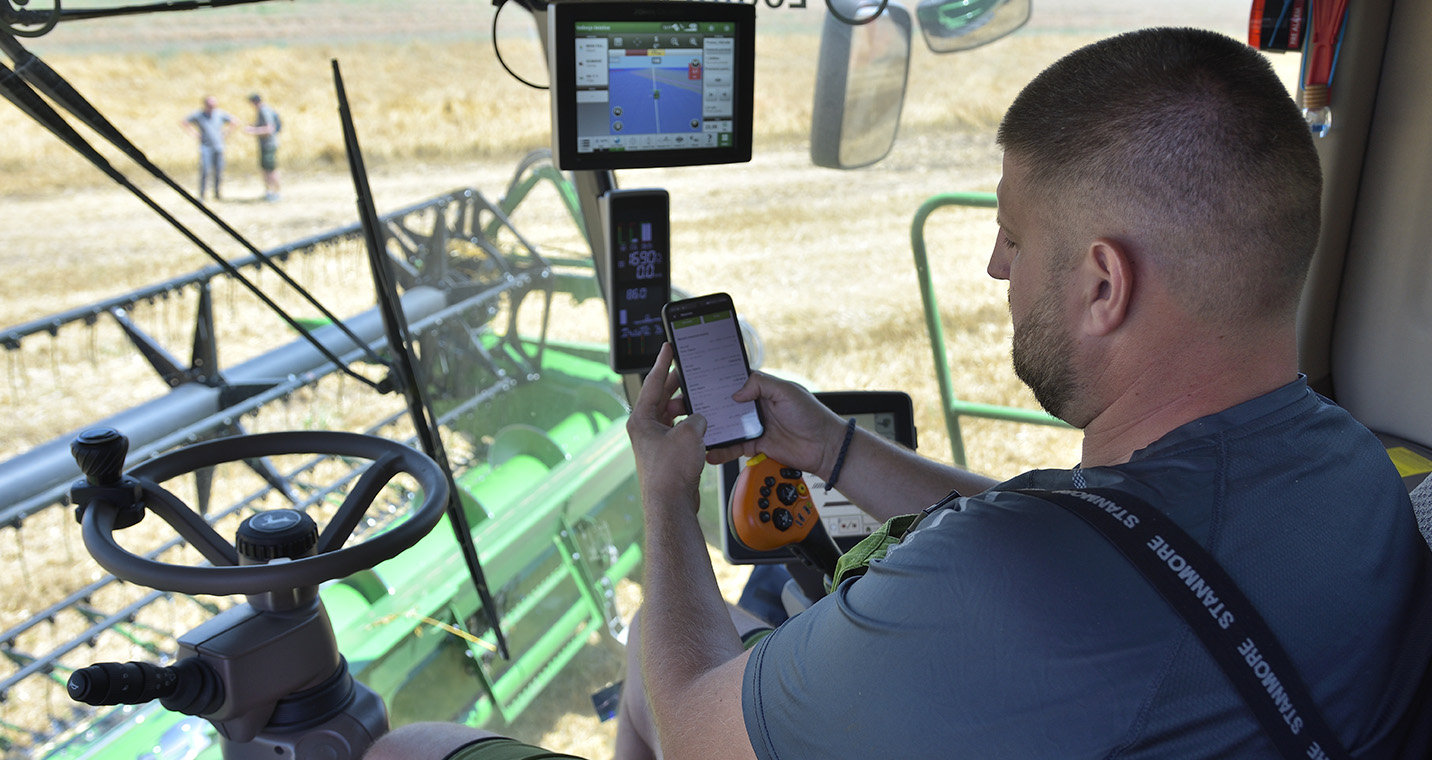
A work order reaches the operator as a clear instruction. Go to this field. Use this machine. Apply this material. Complete the operation. Record the result.
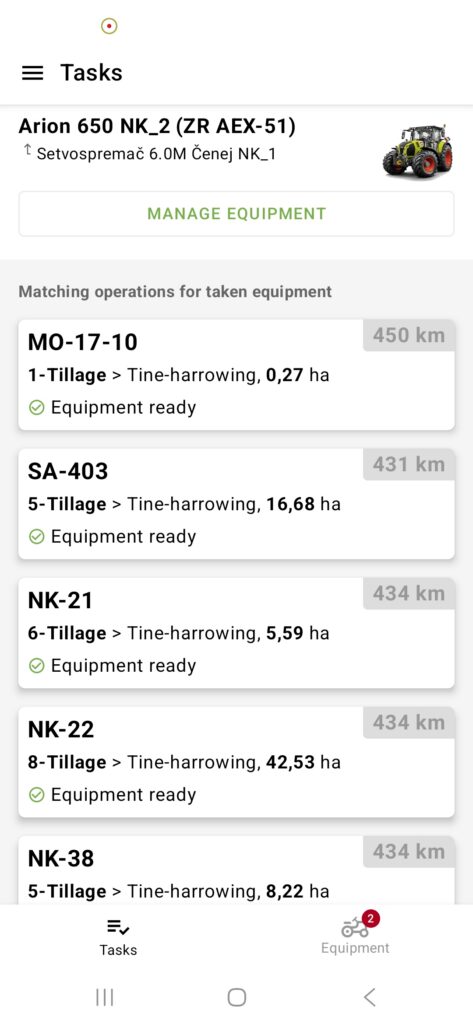
It looks simple. Before that task ever appears on a phone, the right setup has to already be in place. Which field is this? Which machine can do the work? Which user role fits this task? Which partner is involved in the purchase, sale, or dispatch? Which certification data has to follow this exact lot?
These are easy details to overlook until one of them is wrong, and a task gets assigned to the wrong field, or a work order goes out for a machine that is unavailable.
What that looks like inside the Farming software
In LoginEKO Farming Software, this is managed directly by the farm team inside the software.
Equipment gets added with its own name, brand, model, type, licence plate, serial number, owner, and assigned location. Its status, available or in use, updates as the farm works with it. Embedded AI assistance can also make the initial setup easier: when a user starts typing the name of a machine or implement, available details and an AI-generated image can help complete the equipment record faster.
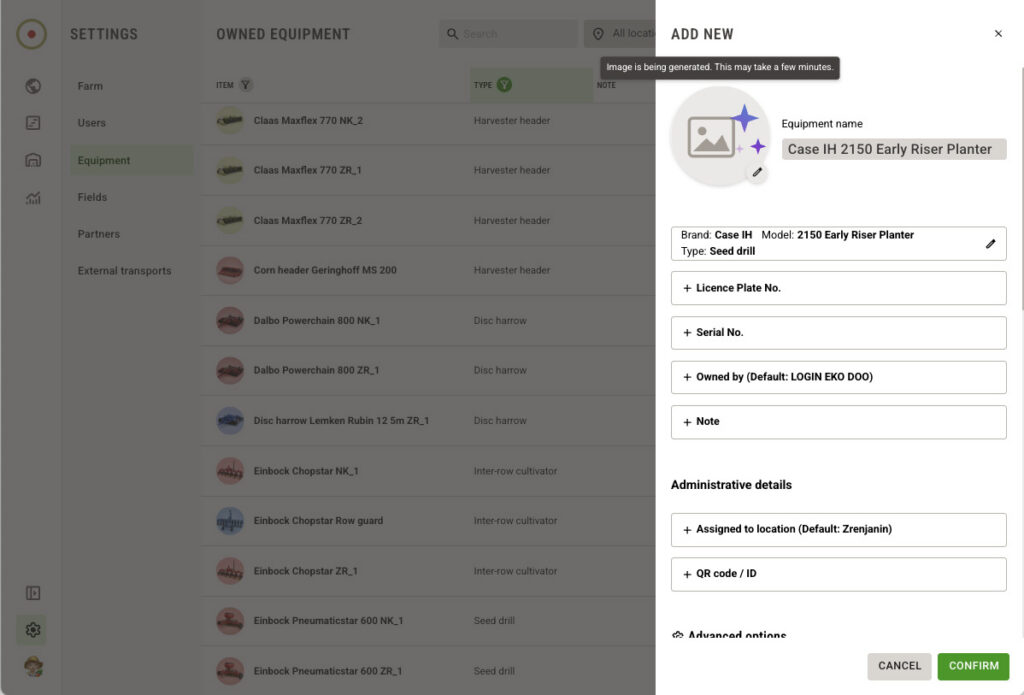
Farms can also use their preferred AI tool to support the initial entry of equipment and all other setup data.
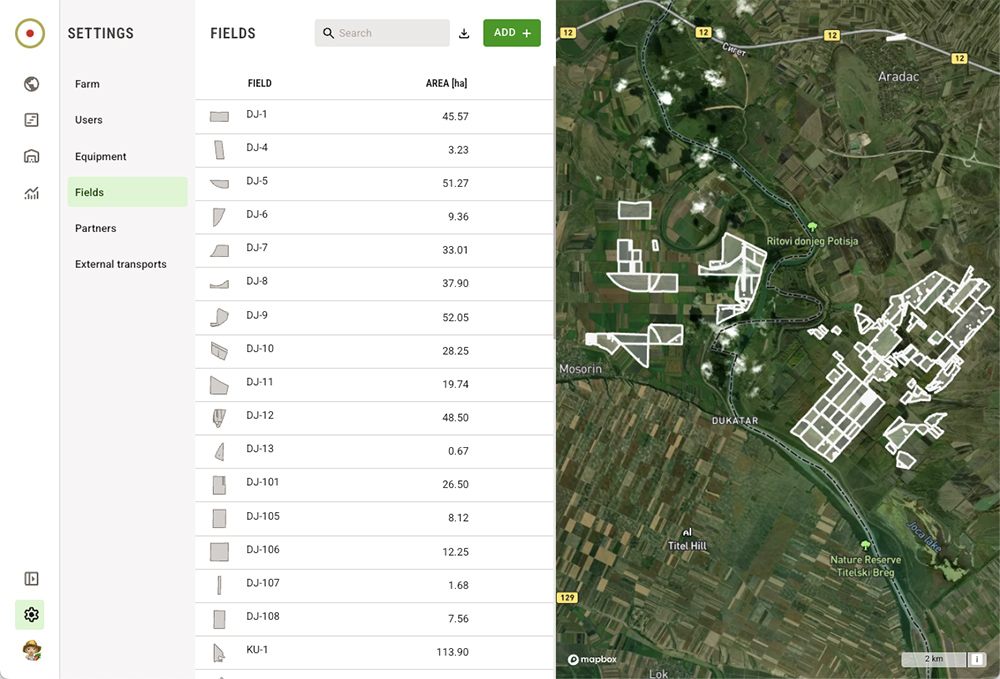
Fields are simply imported with their name and area in hectares, each one tied to its actual boundary on the map, so what is in the system matches what is on the ground.
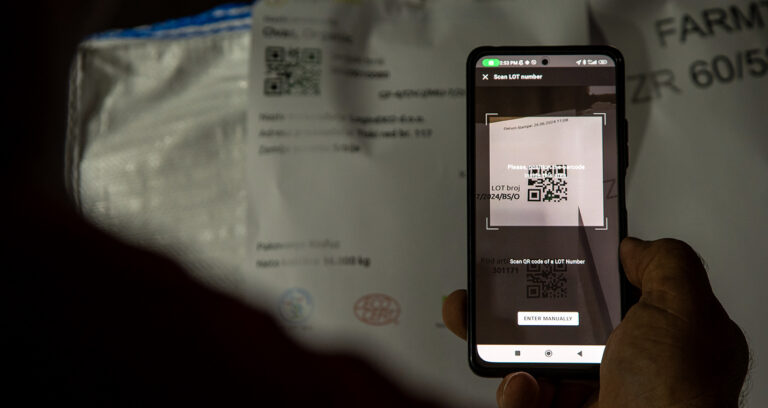
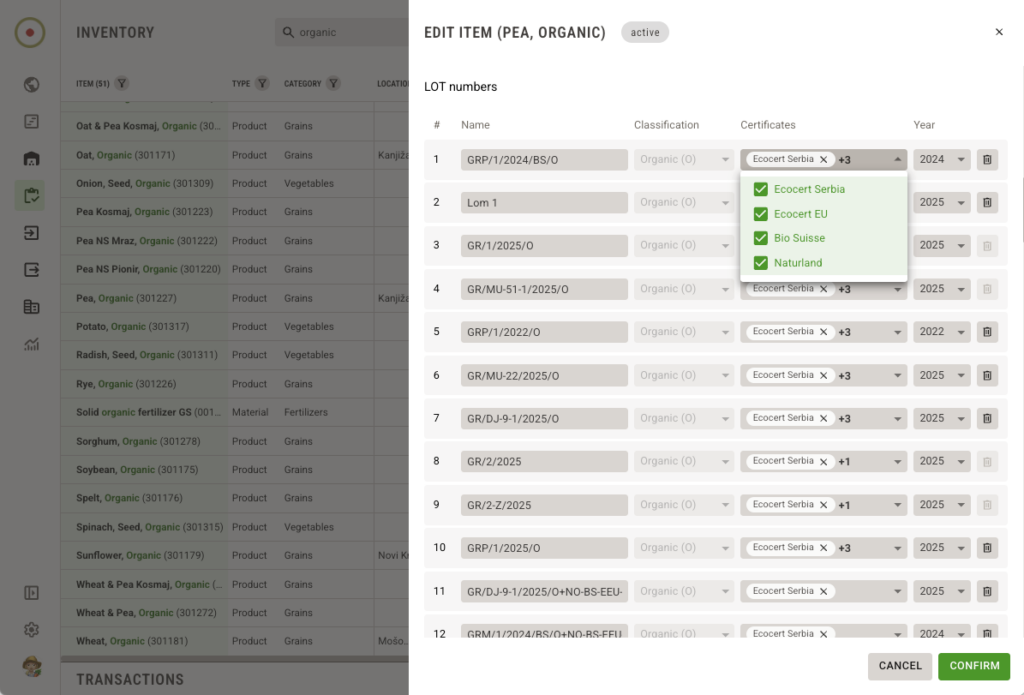
Certification data goes further than the crop or product level. Each lot number carries its own certificates; for example, a single lot of chickpeas or peas can be tagged with the relevant certificate and year when the farm creates the lot.
People working on the farm are invited to start using the software directly, with access determined by their role.
The list of partners is also simply imported. On a farm with a long list of buyers, sellers, transporters and suppliers, the whole list is brought in at once, with contact and address details attached, and kept current by the farm staff itself.
It follows the same principle behind everything we build: free, and handed to farms without a middle step between them and their own data.
From data entry to operational control
Managing fields, equipment, users, partners, and certifications sounds like setup work. On a working farm, it’s operational control.
A field entered correctly becomes part of the crop plan and the field history. A machine managed correctly can be assigned to the right operation, based on the equipment the farm actually uses. The responsible worker receives the right task and marks it as complete in the software once it is done. When someone leaves the farm, their access is easily removed. A partner entered in the software becomes available the moment a purchase, sale, transport, or dispatch needs it. Certification data attached at the lot level travels with that lot, not just with the crop or product in general.
None of it works in isolation. The value is in the connection: the same piece of information supports planning, execution, warehouse work, and the paperwork that follows, without being re-entered somewhere else.
The setup keeps up as the farm grows
The number of fields, machines, and people involved usually changes over the seasons. New equipment arrives, fields get added, team members join, partners change, certification requirements shift with the crop or product, and the market changes. These changes are part of farm growth, and when core setup data is managed in the software, the information behind planning, operations, and records stays closer to the farm’s daily reality.
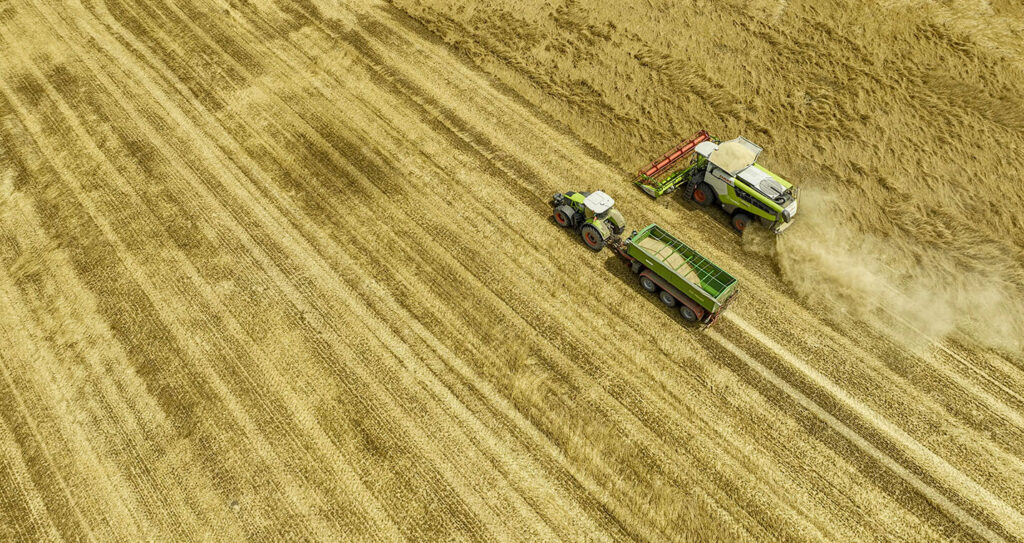
This is what lets a manager work with clearer information throughout the season, an agronomist follow operations with the right context, an operator receive the correct task, and a warehouse team work with partners and records that are actually up to date.
Built from real farming practice
LoginEKO Farming Software was built from the daily reality of our own large-scale organic farm on 3.278 arable fields, with 490 hectares set aside for biodiversity, where daily work depends on connected information about fields, machines, team members, partners, and certificates.
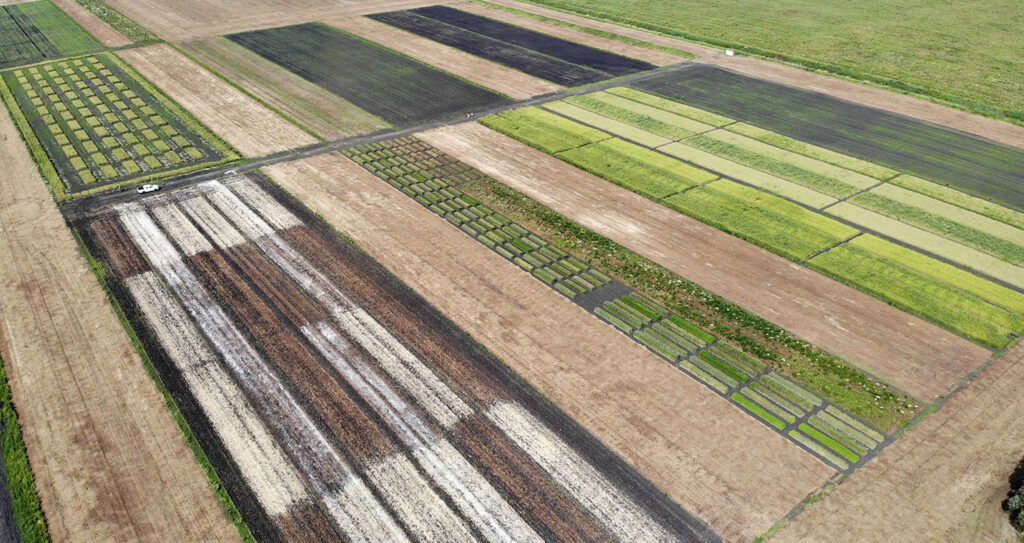
That’s the experience the setup part comes from. Not guesswork about what farms might need, but a record of what we had to solve first, on our own land, before it was ever offered to anyone else for free as part of a collaborative effort to support long-term development of sustainable farming and healthy food for consumers.
The value of a season doesn’t start with the first task in the field. It starts here, with the setup behind it.